Studio presenter
Bright studio framing, eyes to camera — the default look for a talking-head announcement or product pitch.
Make a still photo speak any script as a lipsynced talking avatar.
Drop a clear front-facing portrait into Renoise Canvas, type the spoken script in the prompt, then render on Kling 3.0 Omni. It generates the voice and its native lipsync drives the mouth and face to match, turning the still photo into a talking avatar. To have the photo speak your own recording instead, give Renoise Agent the portrait and the audio file. Use a real person's photo only if you hold likeness rights to it.
This guide is for lipsynced talking avatars. For general photo motion with no spoken dialogue, see the AI photo to video AI tool
Three steps to turn one portrait into a lipsynced talking avatar in Renoise.
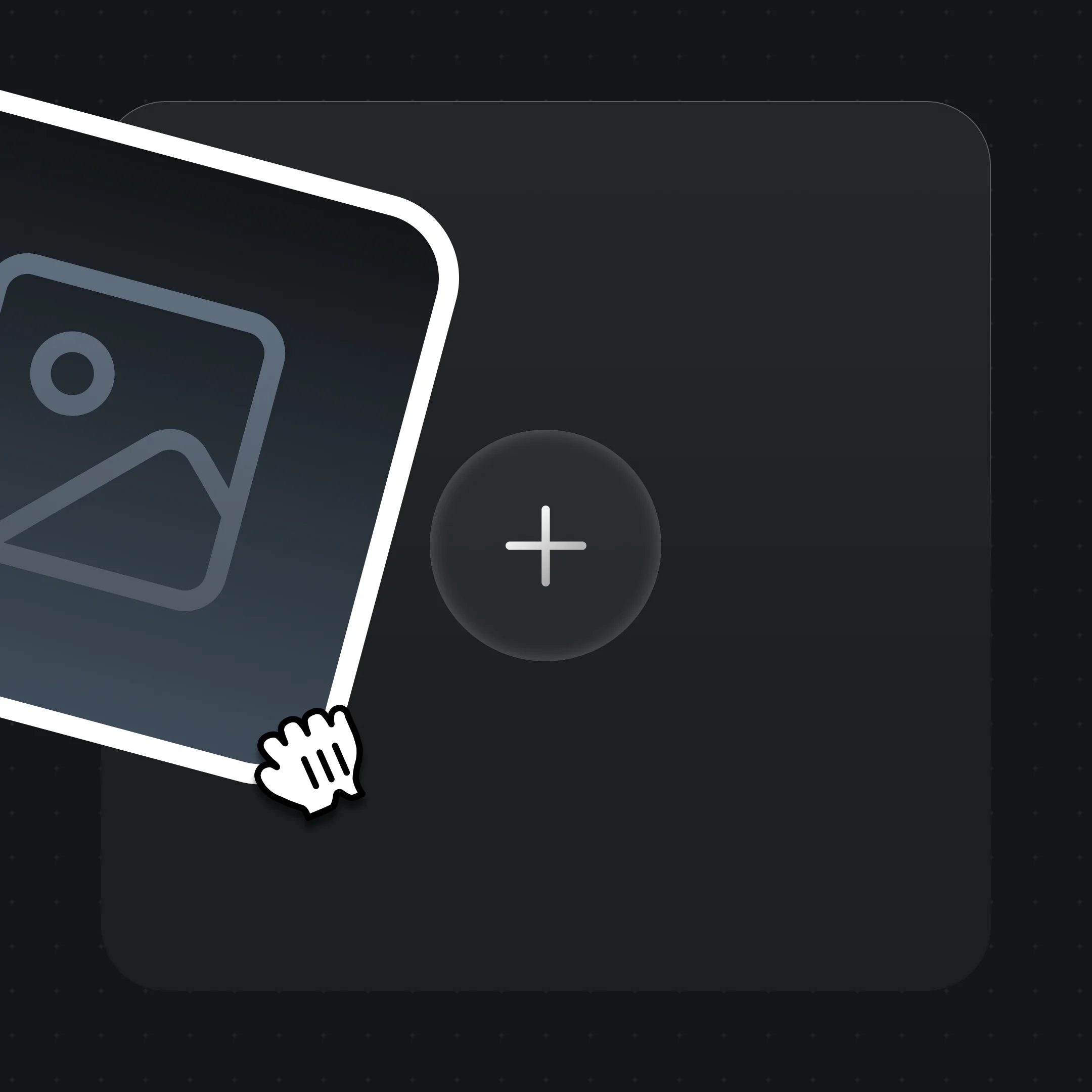
Drag a clear, front-facing portrait into Canvas. For a real person, use only a face you hold likeness rights to.
Write the spoken script in the prompt — Kling 3.0 Omni generates the voice and lipsyncs the portrait to it.
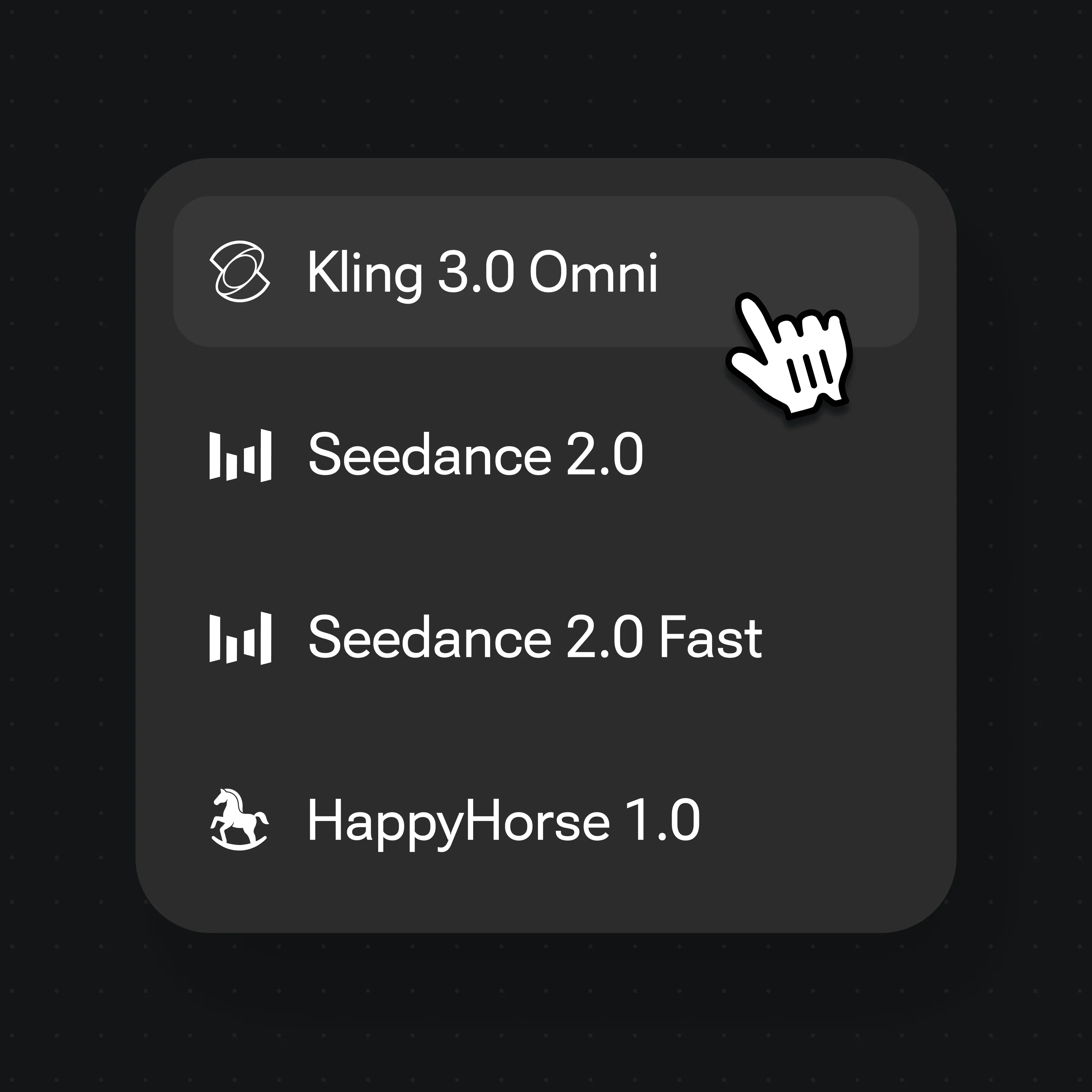
Select Kling 3.0 Omni from the model menu for native lipsync, then render the talking-head clip.
Presenter-style clips made in Renoise — the kind of framing a talking photo cuts to.
Bright studio framing, eyes to camera — the default look for a talking-head announcement or product pitch.
A quiet outdoor portrait with the subject looking straight ahead — natural framing for a sincere spoken message.
A person held steady against a busy street — the reporter-style setup for an on-location talking clip.
A confident outdoor portrait against a clean wall — works for a host intro or a spokesperson avatar.
A talking photo is not the same job as a full AI video. A general text-to-video clip invents motion, camera moves, and a whole scene from a prompt. A talking photo starts from one still portrait you supply and adds a single thing: a mouth and face driven by audio. The frame, identity, and framing stay anchored to your photo; only the speech animates. That is why it reads as the same person, not a fresh generation.
Lip-sync is the technique that maps spoken sound to mouth shapes. Each phoneme — the distinct sounds in a word — has a matching viseme, the mouth position a viewer expects to see. The model lines those up frame by frame so the lips, jaw, and cheeks track the speech, whether the model voices a script you typed or follows a recording you supply.
In Renoise, Kling 3.0 Omni handles this natively — there is no separate lip-sync pass to bolt on. You drop the portrait, write the script, and the model voices it and renders the talking-head clip in one step. If you already have a voice recording, give Renoise Agent the portrait and the audio file: it runs Wan 3.0 on the recording piece by piece and joins the takes into a video as long as the audio, at 720p by default. For a real person, use only a face you hold likeness rights to; because the clip stays anchored to that photo, the avatar stays recognizable while it speaks.
A talking photo leans on a few things — and Renoise gives you Kling 3.0 Omni and many other video models in one canvas.
Use a real person's photo when you hold likeness rights to it, such as your own or one with written consent.
Native lipsync voices your script and drives the mouth and face to match — no separate lipsync tool.
Type a script for Kling 3.0 Omni to voice, or give Renoise Agent a voice recording to sync with Wan 3.0.
Switch between Kling 3.0 Omni and other video models per clip — all in one project.
One plan unlocks Kling 3.0 Omni and every other video model.
For your first AI creations
per month
≈ 150 GPT Image 2 Generations
≈ 60 Seedance 2.0 videos
The agent takes your idea all the way to a finished cut.
Starter and Standard: production work in Director Mode uses credits by usage. Advanced: free.
No queue. Start as many paid generations as you want at once.
Content generated with Renoise.ai may be used commercially, subject to our Terms of Service
For creating every week
per month
≈ 450 GPT Image 2 Generations
≈ 180 Seedance 2.0 videos
The agent takes your idea all the way to a finished cut.
Starter and Standard: production work in Director Mode uses credits by usage. Advanced: free.
No queue. Start as many paid generations as you want at once.
Renoise Agent runs on frontier models from leading AI labs to plan your shots, write prompts, and pick the right model for each one. Chatting with the Agent is free on every plan.
Content generated with Renoise.ai may be used commercially, subject to our Terms of Service
For professional-scale production
per month
≈ 1,750 GPT Image 2 Generations
≈ 700 Seedance 2.0 videos
The agent takes your idea all the way to a finished cut.
Starter and Standard: production work in Director Mode uses credits by usage. Advanced: free.
No queue. Start as many paid generations as you want at once.
Renoise Agent runs on frontier models from leading AI labs to plan your shots, write prompts, and pick the right model for each one. Chatting with the Agent is free on every plan.
Content generated with Renoise.ai may be used commercially, subject to our Terms of Service
For your first AI creations
per month, billed annually
Save $48compared to monthly
≈ 150 GPT Image 2 Generations
≈ 60 Seedance 2.0 videos
The agent takes your idea all the way to a finished cut.
Starter and Standard: production work in Director Mode uses credits by usage. Advanced: free.
No queue. Start as many paid generations as you want at once.
Content generated with Renoise.ai may be used commercially, subject to our Terms of Service
For creating every week
per month, billed annually
Save $216compared to monthly
≈ 450 GPT Image 2 Generations
≈ 180 Seedance 2.0 videos
The agent takes your idea all the way to a finished cut.
Starter and Standard: production work in Director Mode uses credits by usage. Advanced: free.
No queue. Start as many paid generations as you want at once.
Renoise Agent runs on frontier models from leading AI labs to plan your shots, write prompts, and pick the right model for each one. Chatting with the Agent is free on every plan.
Content generated with Renoise.ai may be used commercially, subject to our Terms of Service
For professional-scale production
per month, billed annually
Save $960compared to monthly
≈ 1,750 GPT Image 2 Generations
≈ 700 Seedance 2.0 videos
The agent takes your idea all the way to a finished cut.
Starter and Standard: production work in Director Mode uses credits by usage. Advanced: free.
No queue. Start as many paid generations as you want at once.
Renoise Agent runs on frontier models from leading AI labs to plan your shots, write prompts, and pick the right model for each one. Chatting with the Agent is free on every plan.
Content generated with Renoise.ai may be used commercially, subject to our Terms of Service
Drop a clear front-facing portrait into Renoise Canvas, type the spoken script in the prompt, then render on Kling 3.0 Omni. It generates the voice and its native lipsync drives the mouth and face to match, turning the still photo into a talking avatar.
Use this flow when you want the photo to speak with lipsynced audio. If you only want general motion — camera moves, the subject turning or walking, no spoken dialogue — that is photo animation; see our photo to video AI tool instead.
Yes, if you hold likeness rights to that face, such as your own or one you have written consent for. Celebrities, public figures and minors are not allowed, and local laws apply.
No. Celebrities, public figures and minors are not permitted. Use your own photo, a consenting subject, or a fully original AI-generated face instead.
Yes, through Renoise Agent. Give it the portrait and your recording and it uses Wan 3.0, which matches the mouth to your audio in pieces of up to 15 seconds and joins them into a video as long as the recording, at 720p by default. Kling 3.0 Omni on the Canvas doesn't take uploaded audio — it voices the script you type.
Kling 3.0 Omni voices and lipsyncs scripts in many spoken languages — type the script in your target language. If you give Renoise Agent your own recording instead, the mouth follows the speech in that recording.
Each Kling 3.0 Omni clip is capped at 15 seconds. A video made from your own recording through Renoise Agent runs as long as the audio, joined from takes. Generated video clips can be edited and trimmed directly in Renoise.