4 credits per image
The lowest-cost image model on Renoise — half the price of Nano Banana 2, a quarter of Nano Banana Pro.
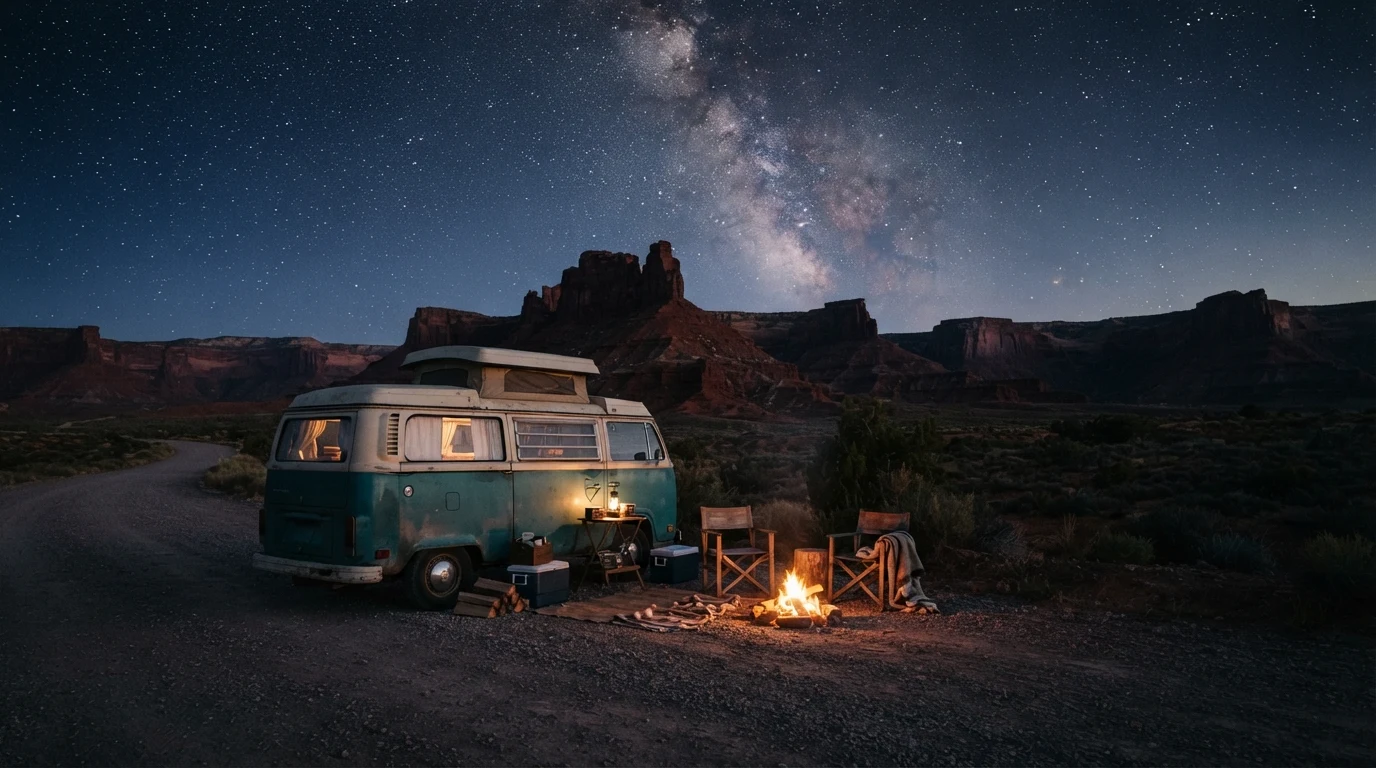
Google's entry-level image model — the lowest-cost image generation on the Renoise Canvas, at 4 credits per image with up to 14 references.
Nano Banana 2 Lite is Google's entry-level image model, integrated in Renoise since July 2026. At 4 credits per image it is the lowest-cost image model on the Canvas — half the price of Nano Banana 2 and a quarter of Nano Banana Pro. It outputs 1K images and accepts up to 14 reference images, making it practical for high-volume drafting, concept exploration and batch generation where cost per image matters.
Need 2K or 4K instead? See Nano Banana Pro
Google's most affordable image model on the Renoise Canvas.
The lowest-cost image model on Renoise — half the price of Nano Banana 2, a quarter of Nano Banana Pro.
Feed up to 14 reference images in one generation to hold a subject, product or style consistent.
Generates 1K images — ideal for drafting, concepts and batch runs where volume matters more than max resolution.
Switch between Nano Banana 2 Lite, Nano Banana Pro, GPT Image 2 and Seedream without leaving the page.
Three tiers, one Canvas — pick by the resolution and budget the job needs.
| Nano Banana tier | 2 | Pro | |
|---|---|---|---|
| Cost per image | 4 credits | 8 credits | 16+ credits |
| Max resolution | 1K | 1K / 2K / 4K | 1K / 2K / 4K |
| Reference images | Up to 14 | Up to 5 | Up to 5 |
| Best for | Drafting & volume | Balanced quality | Studio-grade |
A few of the things the image models on the Renoise Canvas produce.
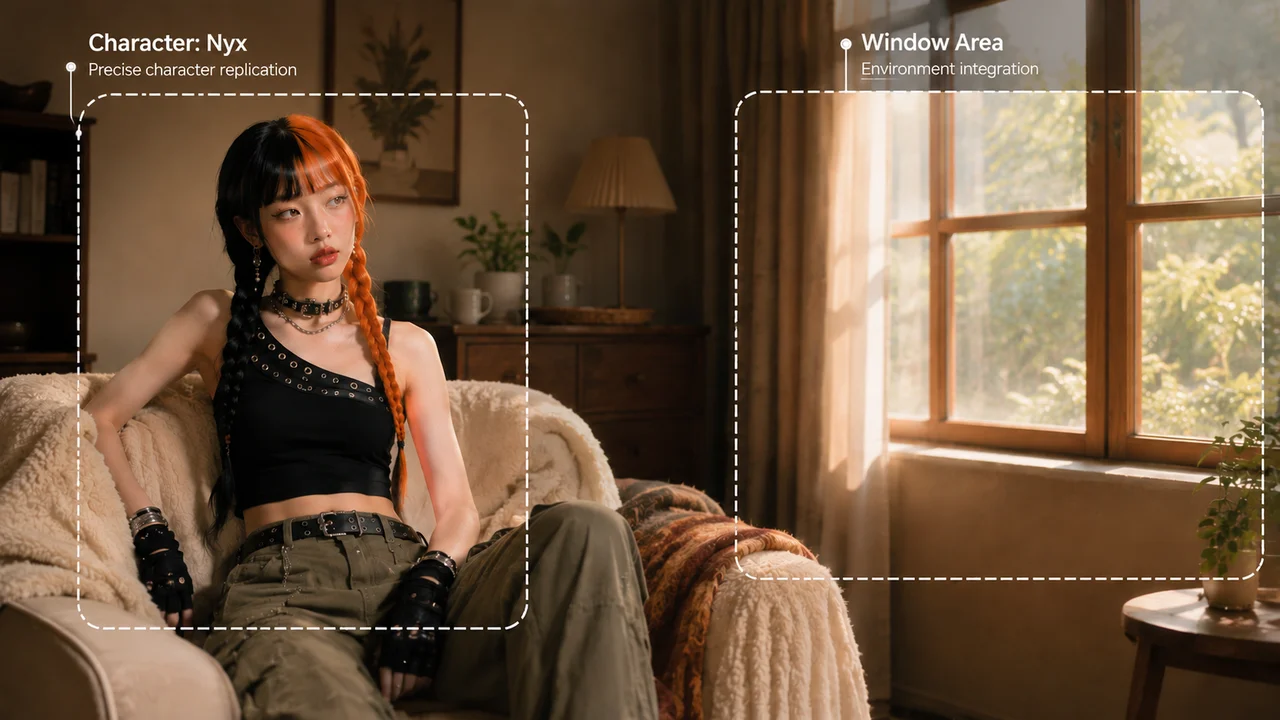
Natural light, texture and detail from a single prompt.
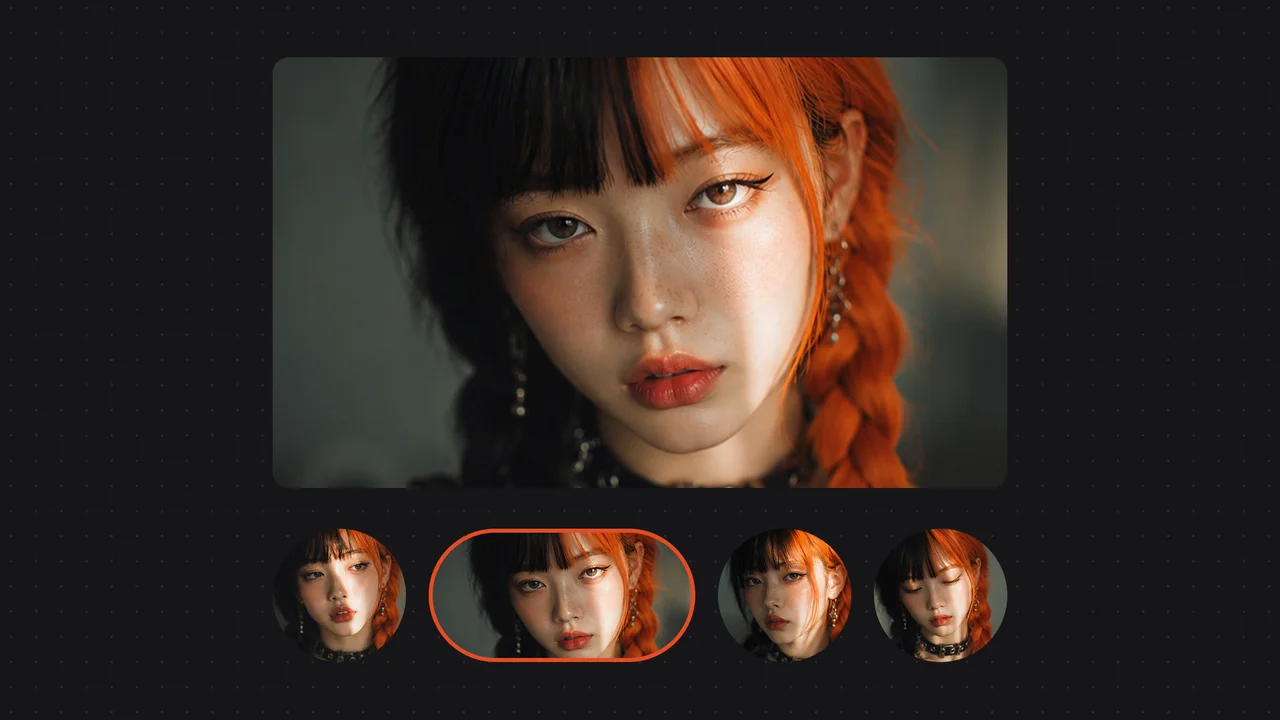
Reference images keep a subject or style consistent across a batch.
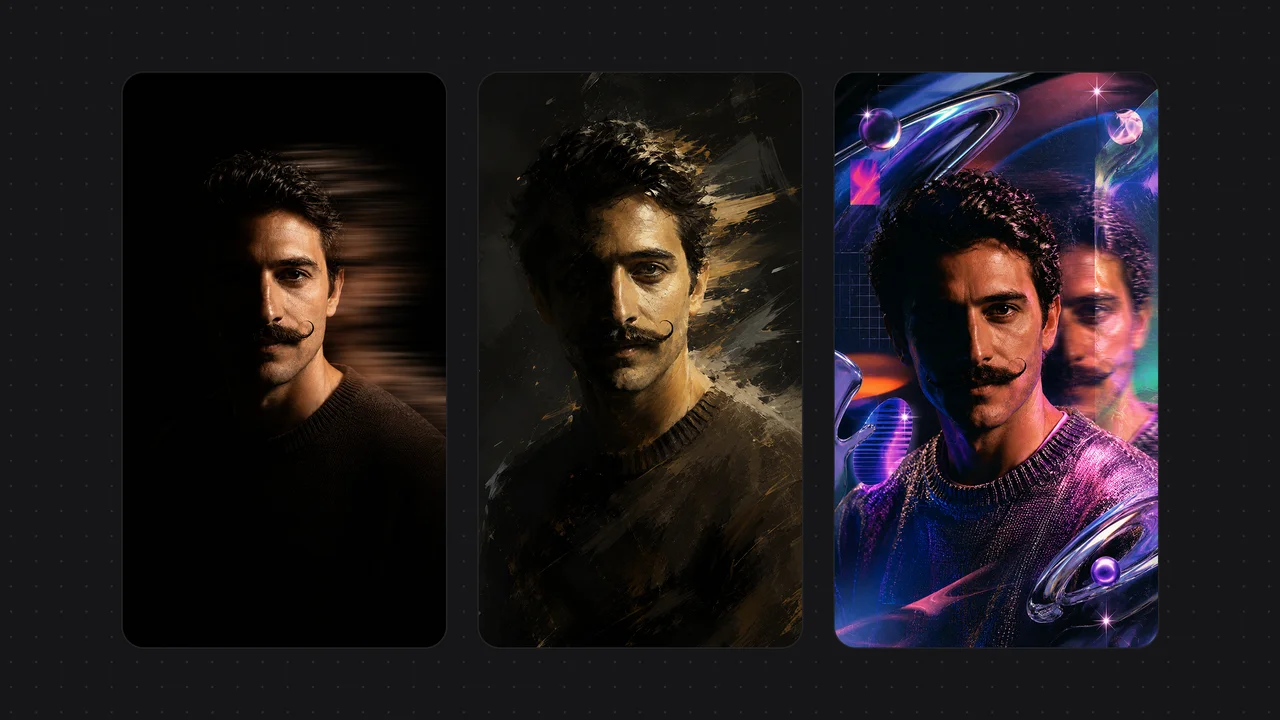
One subject rendered across multiple art styles for campaigns and moodboards.
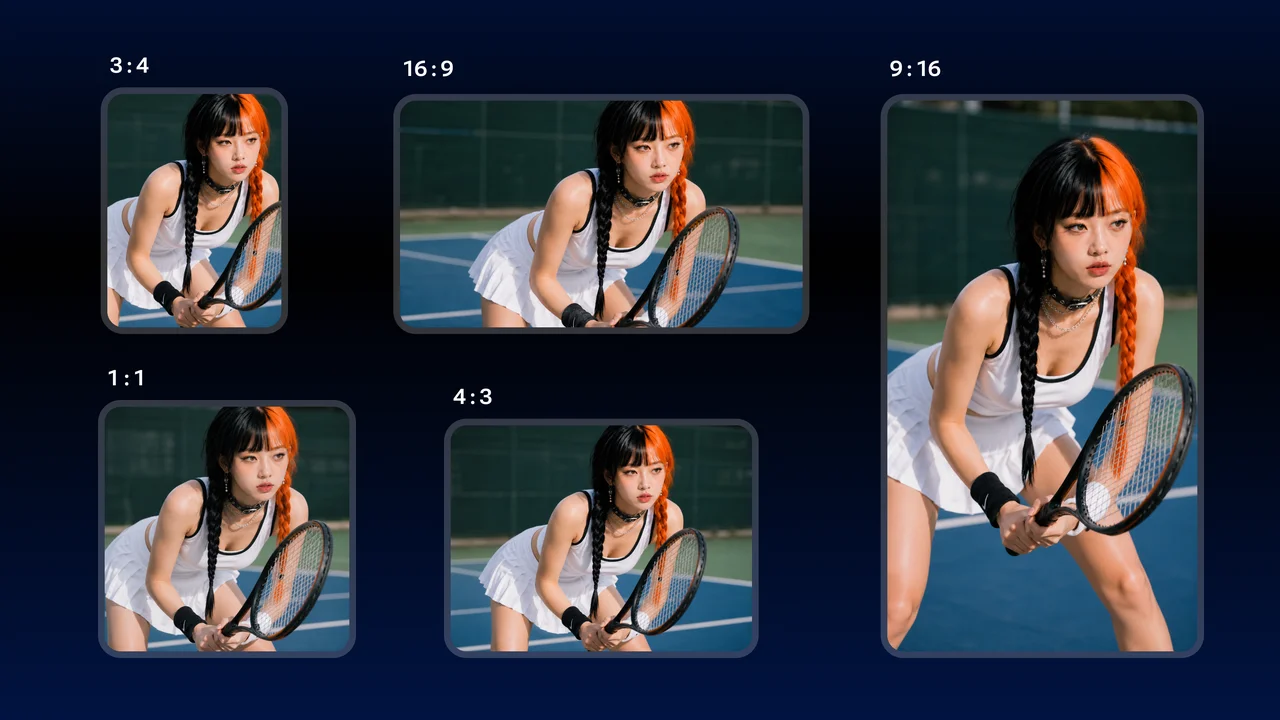
High-volume concept runs where cost per image matters — draft fast, refine on a higher tier.
Nano Banana 2 Lite is the volume tier. At 4 credits per image — the lowest rate on the Canvas — it is the practical choice when you need to generate a lot of images fast without burning through your credit budget: concept sketches, A/B variation sets, moodboard drafts, or the first pass on a large batch before committing to a higher-resolution final.
The trade-off is resolution. Lite tops out at 1K. If the job needs 2K for print or 4K for large-format, step up to Nano Banana 2 or Nano Banana Pro on the same Canvas — no re-uploading, just a model switch. Lite's reference capacity (up to 14 images) is actually the same as Seedream 5.0 Lite, so it handles reference-heavy workflows like character or product consistency at low cost.
In Renoise, all three Nano Banana tiers run side by side, so the natural flow is: draft and explore on Nano Banana 2 Lite, then move the keepers to a higher tier for the resolution finals.
As of October 2026, 100,000+ creators in 170+ countries and regions use Renoise AI, an AI video, image and audio platform, to generate 300,000+ images and videos with 30+ models.
Source: Renoise internal data, March–October 2026. Figures are rounded down and updated quarterly. Last updated
Real feedback from creators who use Renoise AI to make videos, images and ads.
Renoise is pretty easy to use, with a clean and smooth interface. The results from Seedance 2.5 also feel noticeably smoother in action sequences.
Renoise Ai is a good tool for making ai videos and photos. it puts several Ai models in one place, so you don't need to use many different apps.
あまりAIツールを使ったりしたことなかったですが、キャラクターの固定や動画を続いて作成できて使いやすいです。これからどんどん進んでいくアップデートが楽しみです。
Renoise has been a great platform for AI creativity. The tools are easy to use, the experience is smooth, and it makes creating content more enjoyable and efficient. I really appreciate the work the team is doing and look forward to seeing more improvements. Highly recommended!
What I like about Renoise AI compared to other platforms: Fast generation speed: Slow generation takes up way too much time, but Renoise AI is surprisingly about 30% faster. Intuitive and user-friendly UI: Cheaply made platforms have terrible UIs that make me not even want to log in, but Renoise is very clean and convenient. Remembers my previous settings: It helpfully remembers my last workspace settings. Some odd platforms force you to re-adjust everything every single time you generate a video, which is extremely frustrating. Overall preference: For all these reasons, Renoise AI is definitely my preferred platform. Thank you!
Renoise is your go to one stop all for ai creators. all view and use all models in one place, for any type of content you have your mind on!
I have a creat experience with the app. Consistent characters but also unique. THere were some issues with storyline continuity and non-typical humanoid characters.
One plan unlocks Nano Banana 2 Lite, Nano Banana Pro, GPT Image 2 and every other model.
For your first AI creations
per month
≈ 150 GPT Image 2 Generations
≈ 60 Seedance 2.0 videos
The agent takes your idea all the way to a finished cut.
Starter and Standard: production work in Director Mode uses credits by usage. Advanced: free.
No queue. Start as many paid generations as you want at once.
Content generated with Renoise.ai may be used commercially, subject to our Terms of Service
For creating every week
per month
≈ 450 GPT Image 2 Generations
≈ 180 Seedance 2.0 videos
The agent takes your idea all the way to a finished cut.
Starter and Standard: production work in Director Mode uses credits by usage. Advanced: free.
No queue. Start as many paid generations as you want at once.
Renoise Agent runs on frontier models from leading AI labs to plan your shots, write prompts, and pick the right model for each one. Chatting with the Agent is free on every plan.
Content generated with Renoise.ai may be used commercially, subject to our Terms of Service
For professional-scale production
per month
≈ 1,750 GPT Image 2 Generations
≈ 700 Seedance 2.0 videos
The agent takes your idea all the way to a finished cut.
Starter and Standard: production work in Director Mode uses credits by usage. Advanced: free.
No queue. Start as many paid generations as you want at once.
Renoise Agent runs on frontier models from leading AI labs to plan your shots, write prompts, and pick the right model for each one. Chatting with the Agent is free on every plan.
Content generated with Renoise.ai may be used commercially, subject to our Terms of Service
For your first AI creations
per month, billed annually
Save $48compared to monthly
≈ 150 GPT Image 2 Generations
≈ 60 Seedance 2.0 videos
The agent takes your idea all the way to a finished cut.
Starter and Standard: production work in Director Mode uses credits by usage. Advanced: free.
No queue. Start as many paid generations as you want at once.
Content generated with Renoise.ai may be used commercially, subject to our Terms of Service
For creating every week
per month, billed annually
Save $216compared to monthly
≈ 450 GPT Image 2 Generations
≈ 180 Seedance 2.0 videos
The agent takes your idea all the way to a finished cut.
Starter and Standard: production work in Director Mode uses credits by usage. Advanced: free.
No queue. Start as many paid generations as you want at once.
Renoise Agent runs on frontier models from leading AI labs to plan your shots, write prompts, and pick the right model for each one. Chatting with the Agent is free on every plan.
Content generated with Renoise.ai may be used commercially, subject to our Terms of Service
For professional-scale production
per month, billed annually
Save $960compared to monthly
≈ 1,750 GPT Image 2 Generations
≈ 700 Seedance 2.0 videos
The agent takes your idea all the way to a finished cut.
Starter and Standard: production work in Director Mode uses credits by usage. Advanced: free.
No queue. Start as many paid generations as you want at once.
Renoise Agent runs on frontier models from leading AI labs to plan your shots, write prompts, and pick the right model for each one. Chatting with the Agent is free on every plan.
Content generated with Renoise.ai may be used commercially, subject to our Terms of Service
Nano Banana 2 Lite — 4 credits per image, up to 14 references, on the Canvas with every other model.
Yes. Renoise integrated Nano Banana 2 Lite (by Google) in July 2026. Choose it in the image model selector on the Canvas alongside Nano Banana Pro, GPT Image 2, Seedream and more.
Nano Banana 2 Lite outputs 1K images only — no 2K or 4K. For higher resolutions, switch to Nano Banana 2 (up to 4K) or Nano Banana Pro (up to 4K) on the same Canvas.
Up to 14 reference images in a single generation — the same as Seedream 5.0 Lite, and more than Nano Banana 2 or Pro (which top at 5). Useful for locking a subject, product or style across a batch.
Nano Banana 2 Lite is 4 credits per image — half the price of Nano Banana 2 (8 credits at 1K) and a quarter of Nano Banana Pro (16+ credits). It is the lowest-cost image model on the Renoise Canvas.
Use Nano Banana 2 Lite for high-volume drafting, concept runs and A/B variation sets where 1K output is sufficient. Step up to Nano Banana 2 or Pro when the job needs 2K or 4K finals, or Studio-grade detail. All three run on the same Canvas, so the typical flow is draft on Lite, refine on a higher tier.
Nano Banana 2 Lite is Google's model (gemini-3.1-flash-lite-image). Renoise integrates it alongside Nano Banana 2 and Pro, GPT Image 2, Seedream 5.0 Lite and others — Renoise does not train the model itself.