Keep Kling 3.0 Omni
Use Kling for the right shot, then switch models without leaving the project.
Kling 3.0 Omni stays at home on Kling, while Renoise brings it into a Canvas shared by 20 models.
Renoise keeps Kling in the workflow while adding model choice and connected shot planning.
Use Kling for the right shot, then switch models without leaving the project.
Connect first frames, last frames, references, and follow-up generations on Canvas.
Move to Seedance 2.5 when a concept needs up to 30 seconds.
Plan in Renoise Agent or generate through official plugins and MCP.
Verified against renoise.ai and klingai.com on August 25, 2026.

Official sources checked August 25, 2026.
| Comparison point | Kling AI | |
|---|---|---|
| Longest single clip | 30 seconds on Seedance 2.5 | 15 seconds; Extend chains clips to three minutes total |
| Native video resolution | Native 4K on Seedance 2.0; Kling 3.0 Omni at 720p or 1080p | VIDEO 3.0 supports 720p and 1080p |
| Model line-up | Kling 3.0 Omni, Seedance 2.5, Nano Banana, GPT Image 2 and more | Kling 3.0 series |
| API entry requirement | Your monthly plan credits, with no minimum spend | Separate prepaid API packs; validity depends on the pack |
| Editor and CLI access | Plugins for Claude Code, Codex and OpenClaw, plus MCP | An official CLI and an official MCP server |
| Model credit cost | The required Renoise credits are shown before generation and depend on the selected model and settings | Kling Video 3.0: 720p without/with native audio uses 6/9 credits per second; 1080p uses 8/12 credits per second |
Add a reference, write your prompt, pick a model — your Kling prompts carry straight over.
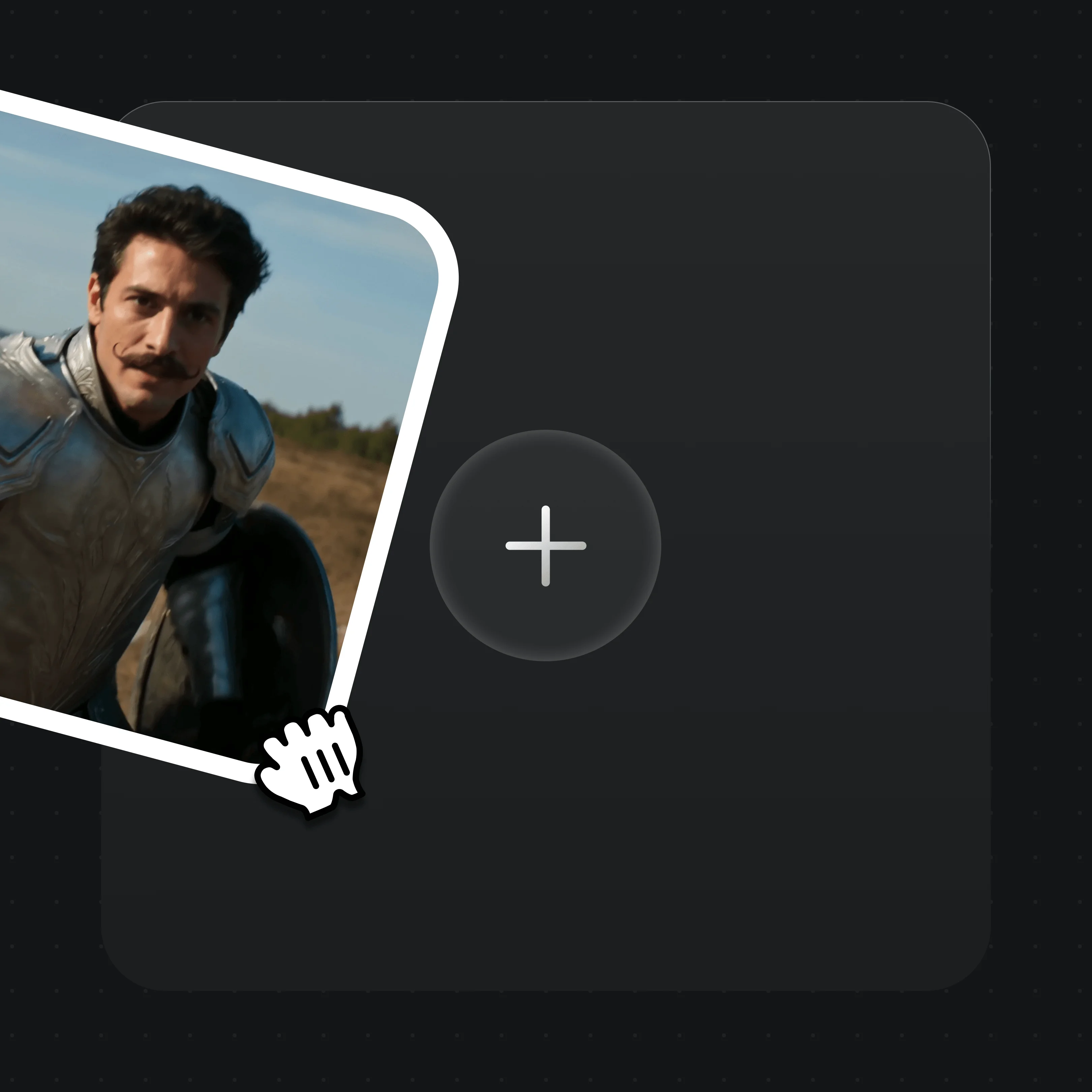
Drag reference images, video, or first/last frames into the upload card. MD5 dedup is automatic.
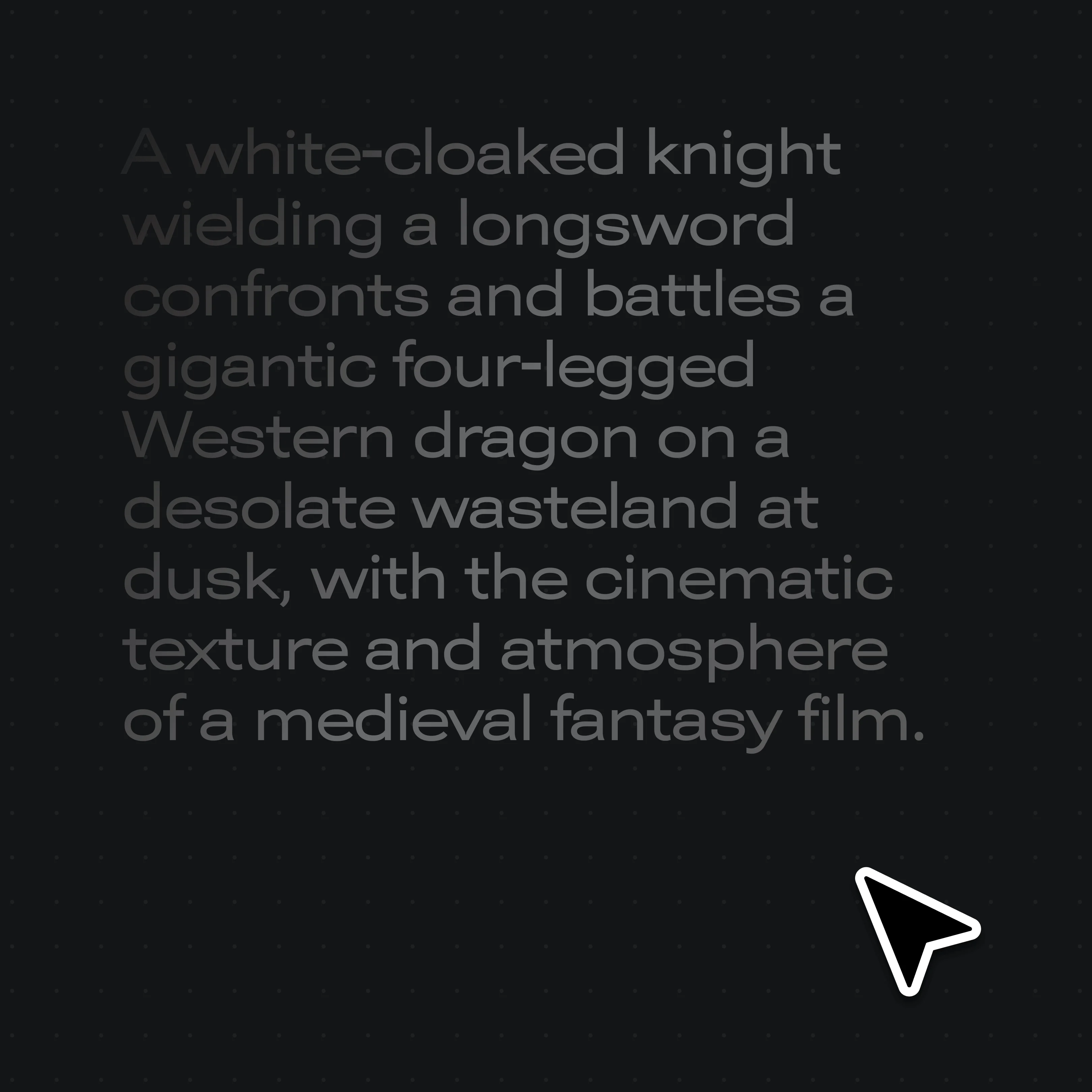
Describe the shot in plain text — your Kling prompts copy across directly.
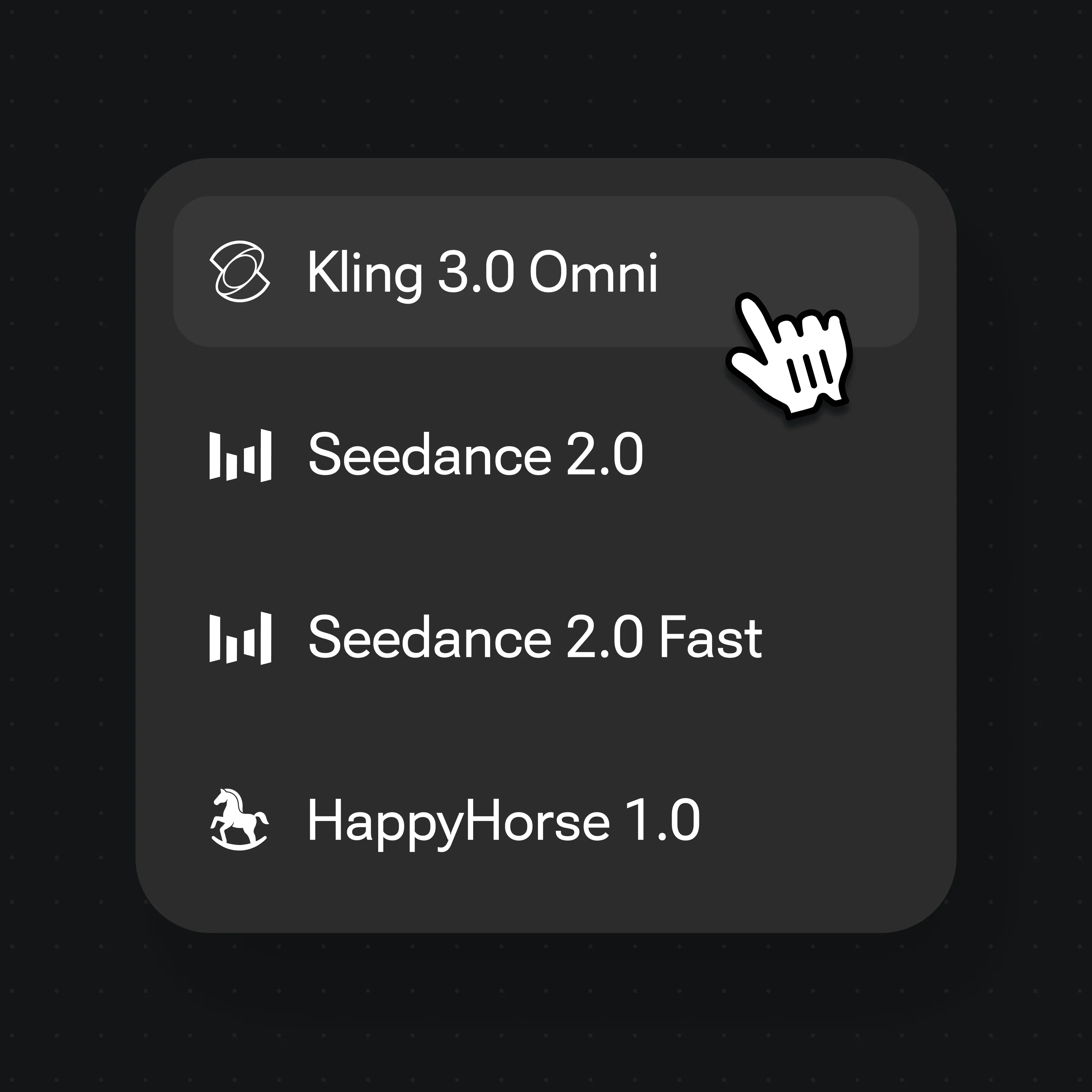
Choose Kling 3.0 Omni, Seedance 2.5, Seedance 2.0 or Nano Banana Pro from the selector, then generate.
Real Renoise outputs across multiple models — one Canvas.
A cinematic dragon duel rendered from a single prompt.
A cosmic butterfly sequence with fluid, physics-aware movement.
A woman-to-cat transition holding the subject across the morph.
The same character across an action run, carried by an image reference in the prompt.
As of October 2026, 100,000+ creators in 170+ countries and regions use Renoise AI, an AI video, image and audio platform, to generate 300,000+ images and videos with 30+ models.
Source: Renoise internal data, March–October 2026. Figures are rounded down and updated quarterly. Last updated
Real feedback from creators who use Renoise AI to make videos, images and ads.
Renoise is pretty easy to use, with a clean and smooth interface. The results from Seedance 2.5 also feel noticeably smoother in action sequences.
Renoise Ai is a good tool for making ai videos and photos. it puts several Ai models in one place, so you don't need to use many different apps.
あまりAIツールを使ったりしたことなかったですが、キャラクターの固定や動画を続いて作成できて使いやすいです。これからどんどん進んでいくアップデートが楽しみです。
Renoise has been a great platform for AI creativity. The tools are easy to use, the experience is smooth, and it makes creating content more enjoyable and efficient. I really appreciate the work the team is doing and look forward to seeing more improvements. Highly recommended!
What I like about Renoise AI compared to other platforms: Fast generation speed: Slow generation takes up way too much time, but Renoise AI is surprisingly about 30% faster. Intuitive and user-friendly UI: Cheaply made platforms have terrible UIs that make me not even want to log in, but Renoise is very clean and convenient. Remembers my previous settings: It helpfully remembers my last workspace settings. Some odd platforms force you to re-adjust everything every single time you generate a video, which is extremely frustrating. Overall preference: For all these reasons, Renoise AI is definitely my preferred platform. Thank you!
Renoise is your go to one stop all for ai creators. all view and use all models in one place, for any type of content you have your mind on!
I have a creat experience with the app. Consistent characters but also unique. THere were some issues with storyline continuity and non-typical humanoid characters.
Choose Renoise when Kling is one model in a wider workflow.
For your first AI creations
per month
≈ 150 GPT Image 2 Generations
≈ 60 Seedance 2.0 videos
The agent takes your idea all the way to a finished cut.
Starter and Standard: production work in Director Mode uses credits by usage. Advanced: free.
No queue. Start as many paid generations as you want at once.
Content generated with Renoise.ai may be used commercially, subject to our Terms of Service
For creating every week
per month
≈ 450 GPT Image 2 Generations
≈ 180 Seedance 2.0 videos
The agent takes your idea all the way to a finished cut.
Starter and Standard: production work in Director Mode uses credits by usage. Advanced: free.
No queue. Start as many paid generations as you want at once.
Renoise Agent runs on frontier models from leading AI labs to plan your shots, write prompts, and pick the right model for each one. Chatting with the Agent is free on every plan.
Content generated with Renoise.ai may be used commercially, subject to our Terms of Service
For professional-scale production
per month
≈ 1,750 GPT Image 2 Generations
≈ 700 Seedance 2.0 videos
The agent takes your idea all the way to a finished cut.
Starter and Standard: production work in Director Mode uses credits by usage. Advanced: free.
No queue. Start as many paid generations as you want at once.
Renoise Agent runs on frontier models from leading AI labs to plan your shots, write prompts, and pick the right model for each one. Chatting with the Agent is free on every plan.
Content generated with Renoise.ai may be used commercially, subject to our Terms of Service
For your first AI creations
per month, billed annually
Save $48compared to monthly
≈ 150 GPT Image 2 Generations
≈ 60 Seedance 2.0 videos
The agent takes your idea all the way to a finished cut.
Starter and Standard: production work in Director Mode uses credits by usage. Advanced: free.
No queue. Start as many paid generations as you want at once.
Content generated with Renoise.ai may be used commercially, subject to our Terms of Service
For creating every week
per month, billed annually
Save $216compared to monthly
≈ 450 GPT Image 2 Generations
≈ 180 Seedance 2.0 videos
The agent takes your idea all the way to a finished cut.
Starter and Standard: production work in Director Mode uses credits by usage. Advanced: free.
No queue. Start as many paid generations as you want at once.
Renoise Agent runs on frontier models from leading AI labs to plan your shots, write prompts, and pick the right model for each one. Chatting with the Agent is free on every plan.
Content generated with Renoise.ai may be used commercially, subject to our Terms of Service
For professional-scale production
per month, billed annually
Save $960compared to monthly
≈ 1,750 GPT Image 2 Generations
≈ 700 Seedance 2.0 videos
The agent takes your idea all the way to a finished cut.
Starter and Standard: production work in Director Mode uses credits by usage. Advanced: free.
No queue. Start as many paid generations as you want at once.
Renoise Agent runs on frontier models from leading AI labs to plan your shots, write prompts, and pick the right model for each one. Chatting with the Agent is free on every plan.
Content generated with Renoise.ai may be used commercially, subject to our Terms of Service
Yes — and Renoise includes the Kling model. Renoise integrates Kling 3.0 Omni alongside Seedance 2.5, Seedance 2.0 and Nano Banana Pro in one Canvas, with automatic safeguards for authorized real-face references and agent-first generation.
Yes. Kling 3.0 Omni is one of the integrated video models in Renoise, selectable from the model picker. You can also switch to Seedance 2.5, Seedance 2.0 or Nano Banana Pro on the same Canvas without changing tools.
Kling AI offers a dedicated Creative Studio whose native UI is purpose-built around the Kling models, which may feel more streamlined for Kling-only work. Kling AI also ships an API platform, an official CLI, an official MCP server and an agent Skill, and Kling AI subscribers draw an included daily credit allowance. Confirm current Kling AI features and limits on klingai.com, since both products evolve.
Yes. Seedance 2.0 standard outputs native 4K video, billed at 100 credits per second. Seedance 2.5 also renders native 4K, at 160 credits per second, and Kling 3.0 Omni runs 720p or 1080p. Image models Nano Banana Pro and GPT Image 2 also reach 4K.
Prompts copy across directly, since the cinematic vocabulary is mostly model-agnostic. Reference images, video, and first/last frames re-upload into the Renoise asset library, with MD5 dedup keeping storage clean. Project files are not interoperable.
Yes. Renoise publishes plugins for Claude Code, Codex, and OpenClaw, plus a public MCP manifest. You chat in natural language; the plugin handles prompt construction, model selection, and result polling.
Yes — reference an image in your prompt to carry a character or product across clips. That is a model-layer capability, not a guarantee. For real human faces, use references only with likeness authorization. Renoise applies safeguards automatically; public figures, celebrities and minors are not supported.
Sora is another single-model platform. Like the Kling comparison, Renoise differs by running multiple models in one Canvas with safeguards for authorized real faces and agent-first generation. See our Renoise vs Sora page for the side-by-side.
Open the Canvas and generate with Kling 3.0 Omni, Seedance 2.5, and more from one prompt.